
In the ever-evolving landscape of work-from-home jobs, maximizing productivity can be a challenging task. This article is designed for remote workers, freelancers, and anyone looking to enhance their efficiency using AI tools. You’ll walk away with actionable strategies, a comprehensive understanding of AI tools, and how they can be applied to streamline your daily tasks.
Understanding the Role of AI in Work-from-Home Jobs
Artificial Intelligence (AI) has become a game-changer for remote work, offering solutions to automate repetitive tasks, manage schedules, and even aid in decision-making. By integrating AI tools, professionals can focus more on strategic tasks rather than getting bogged down by administrative duties. AI can also help in analyzing large datasets to provide insights that can influence business decisions, making it a valuable asset in any work-from-home setup.
Moreover, AI tools are designed to work seamlessly with existing software, enhancing their functionality and making them indispensable in today’s digital age. Whether it’s through natural language processing or machine learning algorithms, AI is transforming the way we work remotely by making processes faster and more efficient.
Top AI Tools to Enhance Productivity
Here are some of the top AI tools that can significantly boost your productivity when working from home:
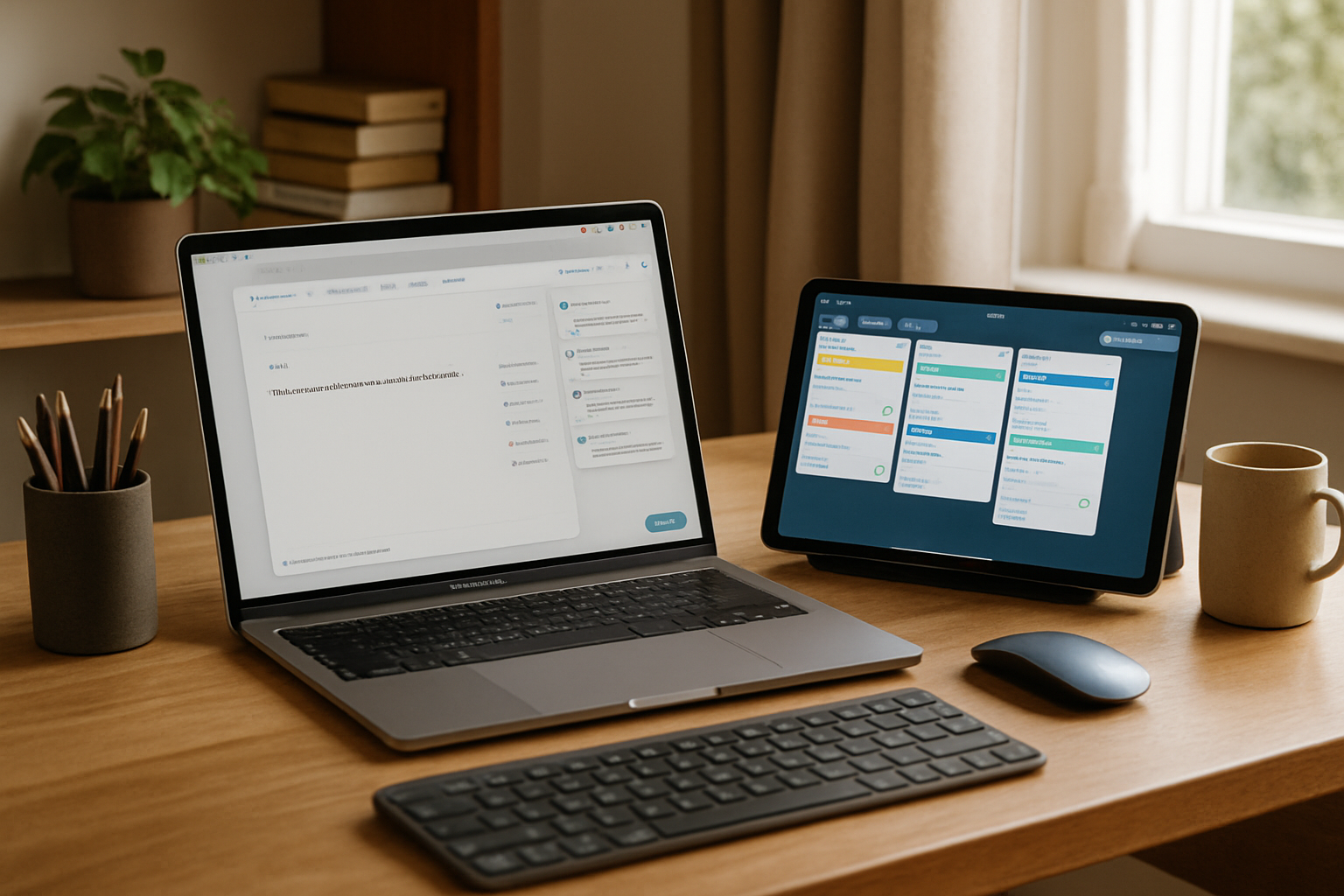
- Grammarly: This tool helps refine your writing by checking grammar, style, and tone, ensuring professional communication. Its AI-driven suggestions improve clarity and engagement, making your emails and reports more effective.
- Zoom.ai: An AI-powered assistant that schedules meetings, manages calendars, and sends reminders. It can also integrate with other tools like Slack and Microsoft Teams to streamline communication across platforms.
- Otter.ai: Converts spoken language into written text, making it easier to document meetings and ideas. This tool is particularly useful for creating accurate meeting notes and transcripts, saving time on manual documentation.
- Trello with Butler: Automates task management within Trello, allowing you to focus on completing tasks rather than organizing them. Butler can set up rules and commands to automate repetitive actions, keeping your projects on track.
- RescueTime: Helps you understand how you spend your time by tracking your activity across different applications and websites. This AI tool provides insights into your work habits, helping you identify areas for improvement.
How to Implement AI Tools Effectively

- Identify Your Needs: Determine which tasks are most time-consuming and could benefit from automation. Consider areas where you experience bottlenecks or repetitive manual work.
- Research Tools: Explore various AI tools that align with your specific needs. Read reviews, watch tutorials, and compare features to find the best fit for your workflow.
- Test and Evaluate: Implement a trial period to assess the tool’s effectiveness and impact on your productivity. Use metrics to measure improvements and gather feedback from team members if applicable.
- Integrate Gradually: Start with one tool at a time to avoid overwhelming changes in your workflow. Gradual integration allows you to adjust and optimize each tool’s usage before adding more.
- Regularly Review: Continually assess the tools’ performance and make adjustments as needed. Stay updated with new features and updates to ensure you’re maximizing their potential.
Pros and Cons of Using AI Tools
| Pros | Cons |
|---|---|
| Automates repetitive tasks, saving time. | Initial setup can be time-consuming. |
| Improves accuracy and consistency. | May require a learning curve. |
| Enhances communication and collaboration. | Potential for over-reliance on technology. |
| Provides insights through data analysis. | Privacy concerns with data handling. |
Choose AI tools if: You want to free up time for strategic tasks, improve communication efficiency, and reduce errors in routine tasks. However, it’s essential to maintain a balance and not become overly dependent on technology, ensuring that human oversight remains a part of your workflow.
Key Takeaways
- AI tools can significantly enhance productivity in work-from-home settings by automating routine tasks and providing valuable insights.
- Identify tasks that can be automated to save time and effort, allowing you to focus on higher-priority projects.
- Choose AI tools that align with your specific work needs and integrate them gradually to avoid overwhelming your workflow.
- Evaluate the effectiveness of AI tools through a trial period and make adjustments based on performance metrics.
- Be mindful of the potential downsides, such as over-reliance on technology and privacy concerns, and ensure human oversight remains integral.
- Regularly review and adjust the use of AI tools to optimize results and stay updated with new features and improvements.
Frequently Asked Questions
What are the best AI tools for work-from-home jobs?
Tools like Grammarly, Zoom.ai, Otter.ai, Trello with Butler, and RescueTime are excellent for enhancing productivity in remote work environments. Each tool offers unique features that cater to different aspects of productivity and efficiency.
How can AI improve my productivity?
AI can automate time-consuming tasks, improve accuracy, facilitate better communication, and allow you to focus on more strategic activities. By analyzing data and providing insights, AI can also help you make informed decisions and optimize your workflow.
Are AI tools difficult to set up?
While some tools may have a learning curve, many offer user-friendly interfaces and support to ease the setup process. Tutorials, customer support, and community forums can assist in overcoming initial challenges.
Can AI tools replace human tasks entirely?
AI tools are designed to complement human efforts by automating repetitive tasks, not replace human judgment and creativity. They serve as valuable assistants, enhancing efficiency while allowing humans to focus on complex decision-making and innovation.
How do I choose the right AI tool for my needs?
Start by identifying your most time-consuming tasks, research tools that address these needs, and test them to find the best fit. Consider factors like ease of use, integration capabilities, and cost when making your decision.
As you explore AI tools for enhancing your work-from-home productivity, remember that the key is to integrate them in a way that complements your workflow. Experiment with different tools, evaluate their impact, and adjust your approach as needed to fully leverage the power of AI in your professional life.